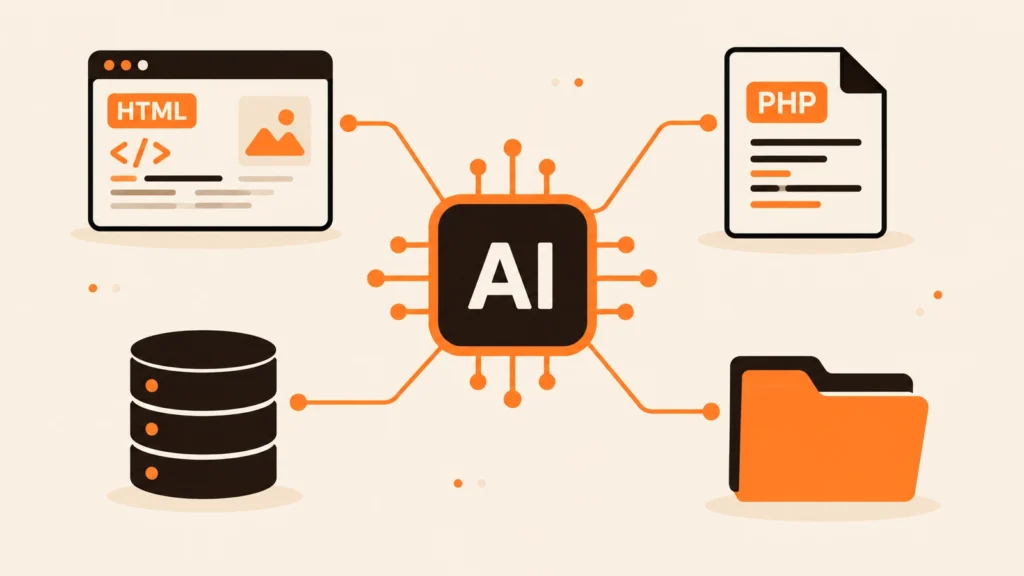
Search for a way to connect Claude to your website and nearly every result is a WordPress plugin. That’s not a coincidence, and it’s not bad advice either. But it leaves out a lot of websites.
Plenty of business sites aren’t WordPress. They’re hand-written PHP, old HTML sites, a custom admin panel someone built in 2019, or a small app that quietly runs a booking form. This is a plain-English guide to what an MCP server is, why those sites get left out, and what it takes to give yours one.
So what is an MCP server?
MCP stands for Model Context Protocol. It’s an open standard for letting an AI assistant like Claude use outside tools in a predictable way.
An MCP server is the thing that offers those tools. It publishes a list, each tool with a name, a short description and the inputs it takes. Something like “read_file: returns the contents of a file, needs a path”. Claude reads the list, works out which tool fits what you asked for, and calls it.
In the Claude app you add a remote MCP server as a custom connector, by pasting its URL under Settings, Connectors.
Why it’s usually WordPress
Every WordPress site has the same database tables, the same REST API and the same plugin system. Write one plugin and it works on millions of sites.
A custom PHP site is different every single time. Different folders, different table names, different admin logic. Anything built to work across all of them has to be simpler, and a lot more careful about what it touches.
What a good website MCP server should do
If you’re choosing one, or building one, this is what we’d look for:
- File tools that can list, read, edit and search files, but only inside the website folder
- Safe deletes, where “deleted” files go to a trash folder you can restore from
- Site checks, like the live status of a page and the last lines of the PHP error log
- Careful database access: listing tables and read-only queries by default, writes only after confirmation
- Access control, so a random visitor can’t use it
Why a single PHP file makes sense
Most MCP examples you’ll find are written in Node.js or Python and expect a server that stays running. Shared hosting doesn’t allow that.
A PHP MCP server sidesteps the problem. It only wakes up when Claude sends a request, runs on the same PHP your site already uses, and can read your existing config.php to reach the database. There’s nothing to install and nothing to keep alive.
Build it or generate it
If you’re comfortable with PHP and JSON-RPC, you can write one yourself. Budget time for the protocol handshake, the tool list, input checks, path limits so nothing outside your folder can be reached, and access control. The last two are where most of the effort goes.
If you’d rather skip that, Claude Bridge generates a ready-made connector. The Custom PHP generator builds one file for PHP and HTML sites, and the WordPress generator builds a plugin if you do run WordPress.
Where to go next
- Setting one up? Follow how to connect Claude AI to a custom PHP website.
- On shared hosting? Read using Claude AI on Hostinger or cPanel.
- Got an HTML site? See whether Claude AI can edit it.